
In last week’s installment,Toolkit Tuesday: Tablet, I covered my tablet and stylus. This week I would like to talk about the painting application I have used to create most of the artwork and mazes for this blog, MediBang Paint.
I have only used the free version for Android but according to their website it is supported on Android / Mac / iPad / iPhone / and Windows platforms.
Pros:
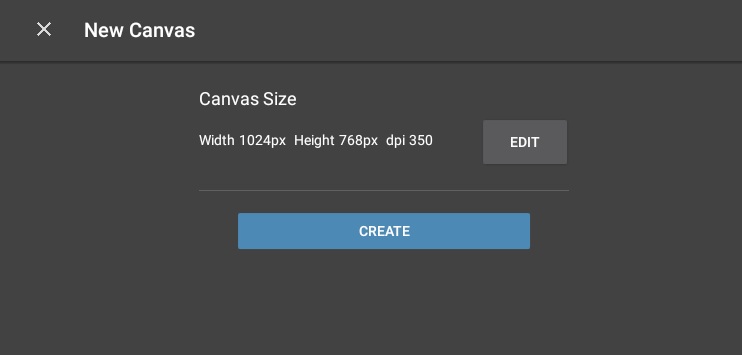
- Allows specifying the size of your canvas. This is actually the first options you see when creating a new canvas.
- Supports layers, allowing you to build your artwork in overlaying blocks to create a complete image.
- Many brush types; the free version comes with nice brush types by default,pencil, several pens,air brush,watercolors, symmetry with more brushes available for purchase and rewards (logging in, reviewing app, etc)
- Shape controls for rectangles, ellipses, polygons
- Useful snap tools, grids, angles, circles. Snap tools control your drawing tool forcing it to snap along pre-determined lines. Example circle snap:
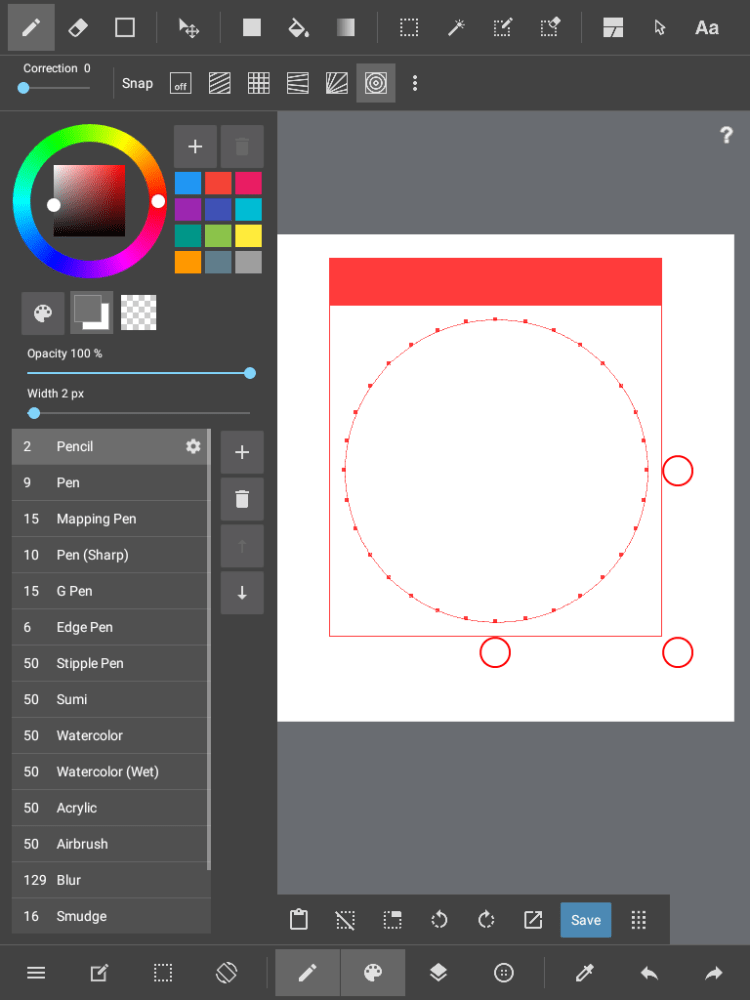 Define the circle, then using a pen, follow the circle. I have found this more useful for making adjustments and then drawing a circle vs using the circle shape tool directly. I used this tool heavily in creating A-MAZE-ing Monday: Maze #2 Result: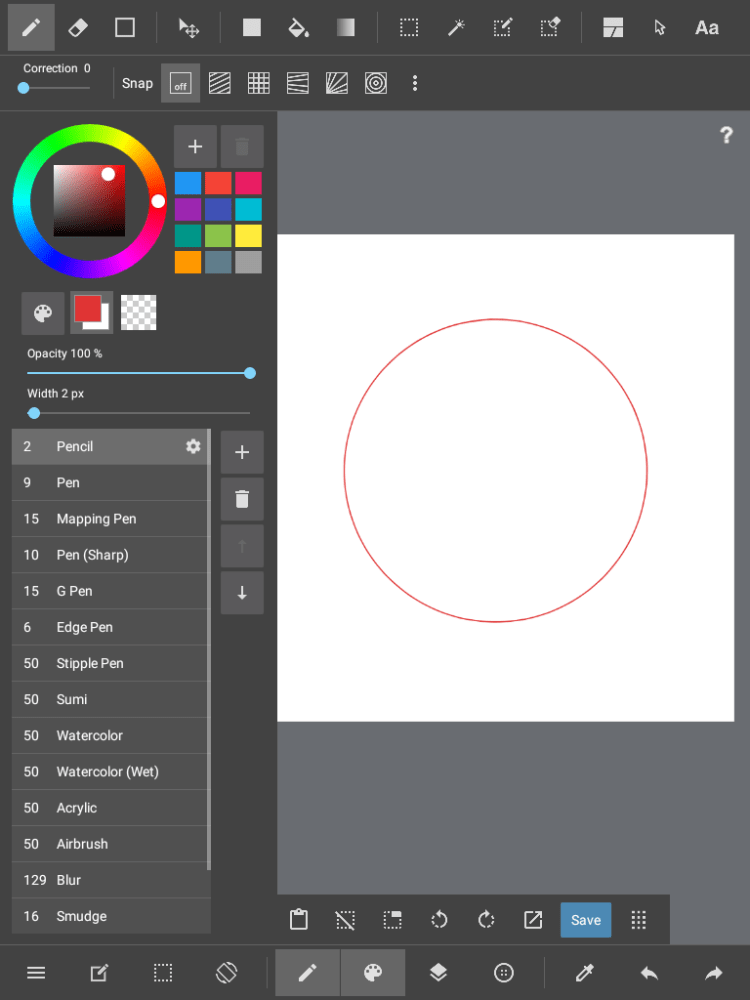
- Full color ranges
- Ability to export images as png or jpeg
- Many more, it might bore you to list them all…
Cons:
- My primary complaint for this application has been text support. While it does have a text tool it appears very limited in available fonts, especially when using the application offline. I have found the text rendering portion to be a little slower than I would like so I tend to use a different application for adding text to my images
- It is a tad naggy about logging in and providing a review but seeing that it is free, I can’t complain too much here
- I don’t have any other cons, this application works very well and supports many features. One of my favorite free apps right now.
If you haven’t had a chance to try this application yet and like to draw/create art, it is a good choice, so give it a try.
© 2017 – James Sponseller – mindescapes.net


 mindescapes.net - Art Works by Jim Sponseller